InBeat · Android
The right tempo, at the right time. Always.
Every song in your setlist has its own BPM and rhythmic structure. Move to the next one with a swipe — InBeat loads the tempo automatically.
No more adjusting between songs: the dynamic metronome that follows your show, from the first song to the last.
Designed for the drummer — useful to the whole band.
InBeat · Android
The right tempo, at the right time. Always.
A preview of InBeat:
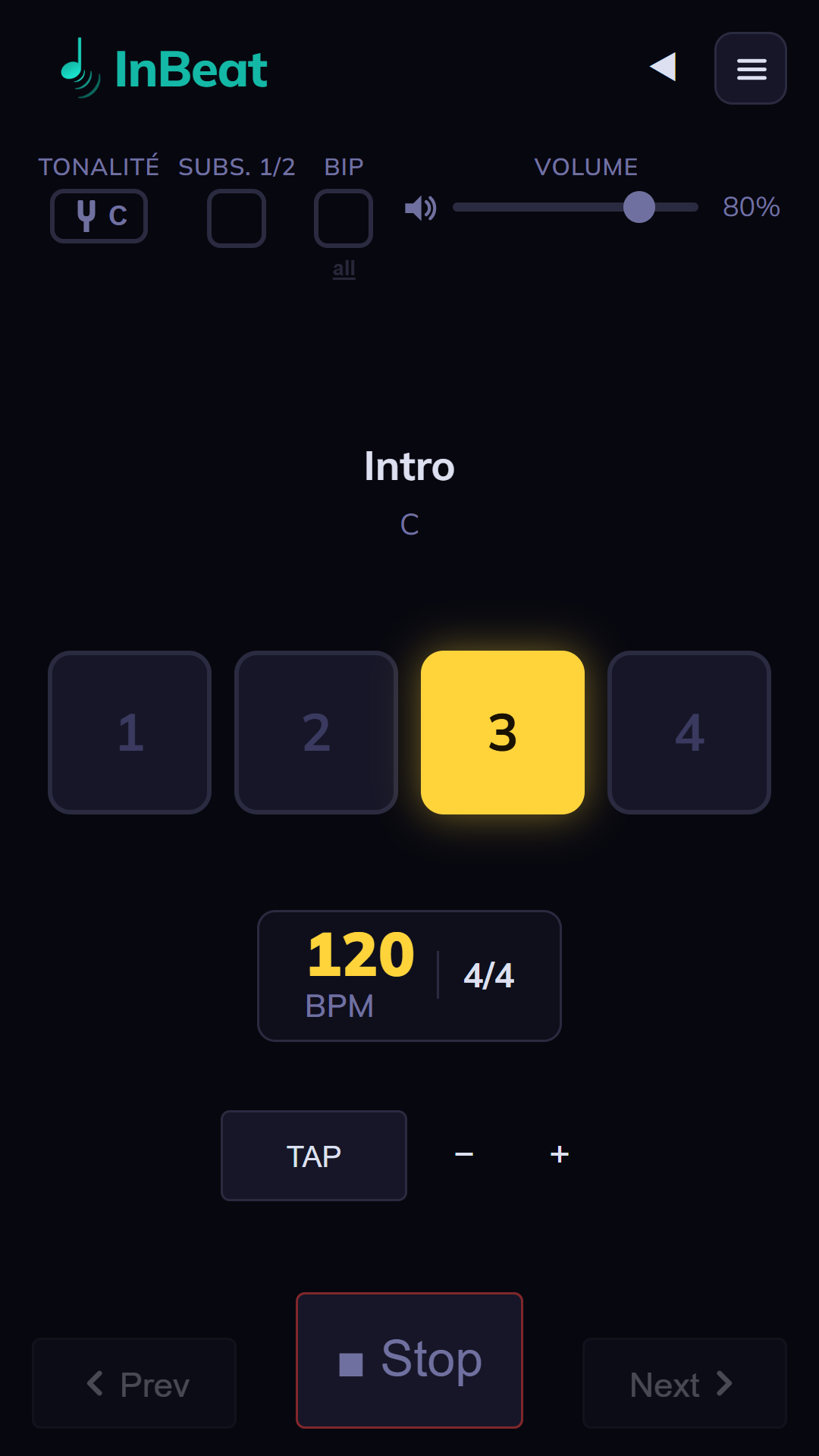
The essentials
The right vibe for every song.
Preset tempos
Every song loads its BPM automatically. Nothing to adjust on stage.
Dark or light
Choose your theme — readable indoors or in bright sunlight.
Every time signature
11 exact time signatures, from simple to compound (up to 12/8). Subdivisions can be enabled.
100% offline
Free forever, no account and no ads. A single Android permission (Internet, for optional sync) — your data stays with you.
Useful to the whole band
Compatible with GigFlow Live and Editor — one shared format.
Show timing
Total duration, elapsed and remaining time: you always know where you are in your set.
100% free, no subscription · 100% offline · no ads · your data stays on your phone.
Library
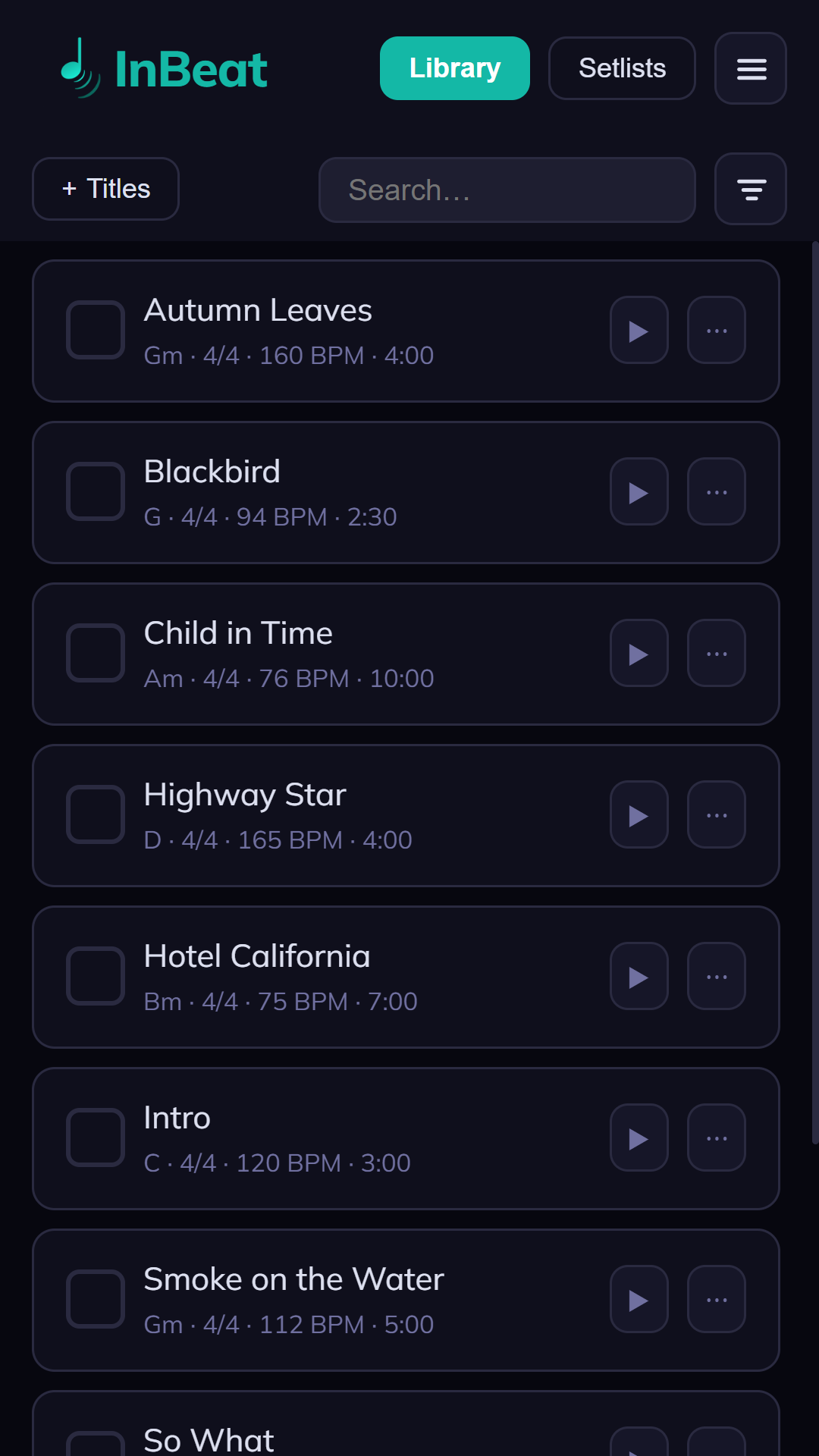
Your whole repertoire, in one place.
Every song keeps its tempo, time signature, and duration. Search, find, and pull up any song in two taps.
Preparation
Everything is set before the show.
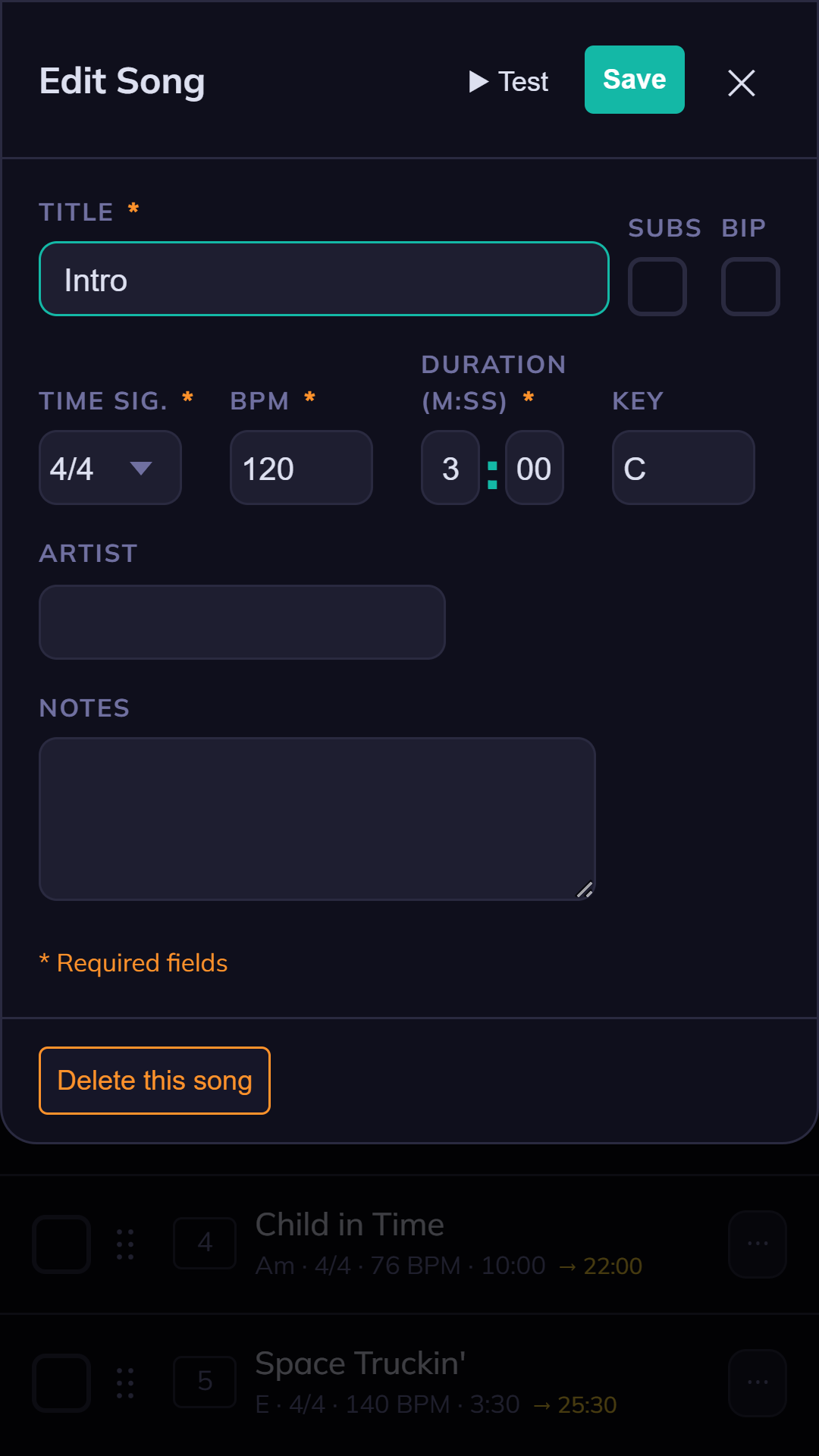
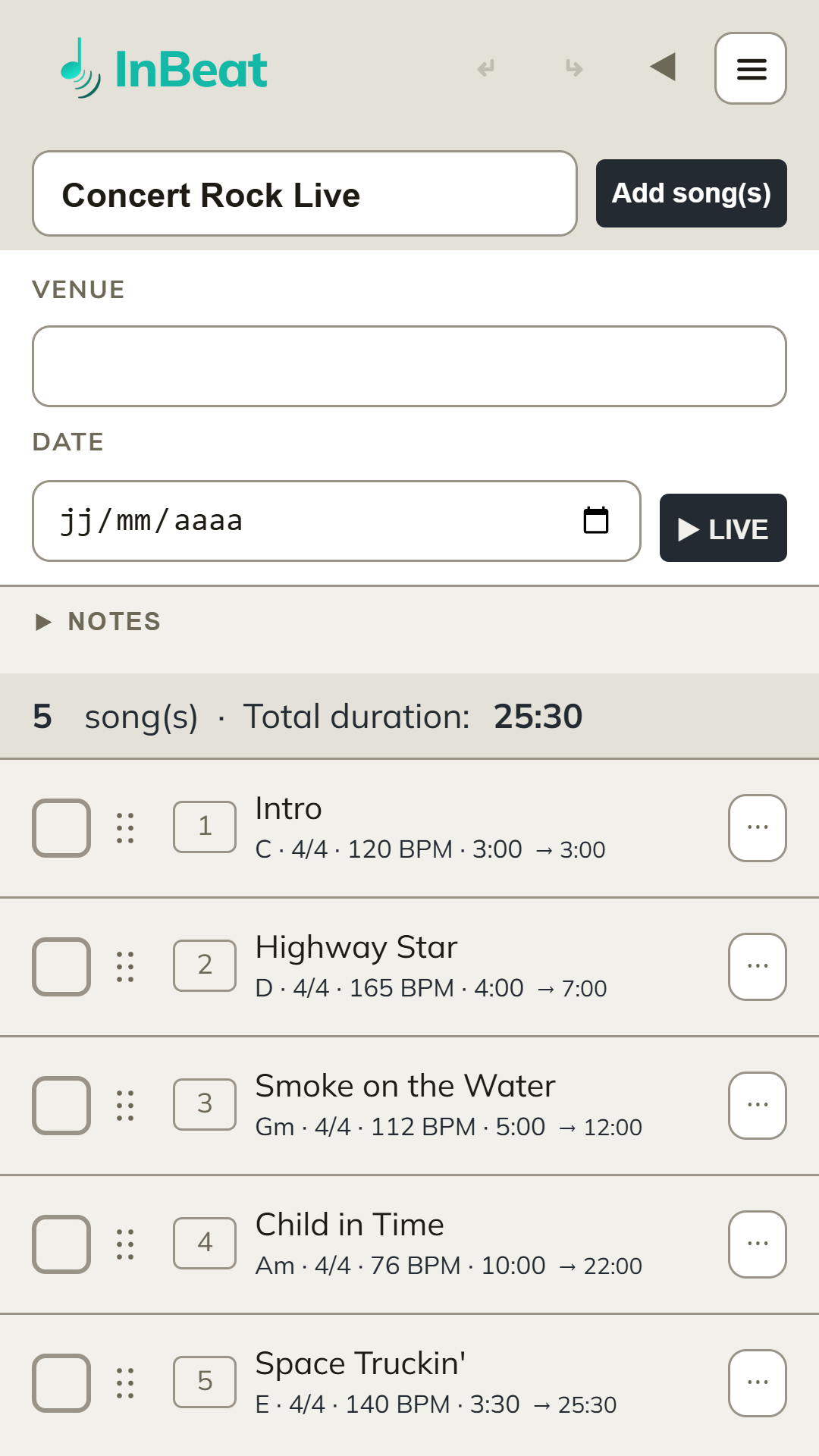
Edit each song — time signature, BPM, duration, key, notes — then drag and drop your songs into show order, with venue, date, and total duration. InBeat then loads each tempo automatically. Prepare it ahead of time on your phone, or right before the show.
Live mode
Big, readable, distraction-free.
Full-screen display. Big BPM and time signature, next song always visible — you anticipate without losing your place. Dark or light theme depending on stage lighting. InBeat automatically loads the tempo of the next song.
- Bluetooth pedal or swipe — hands-free navigation between songs
- Tuning fork — plays the reference note to help singers find their pitch
- Tap tempo — adjust the tempo by ear, on the fly
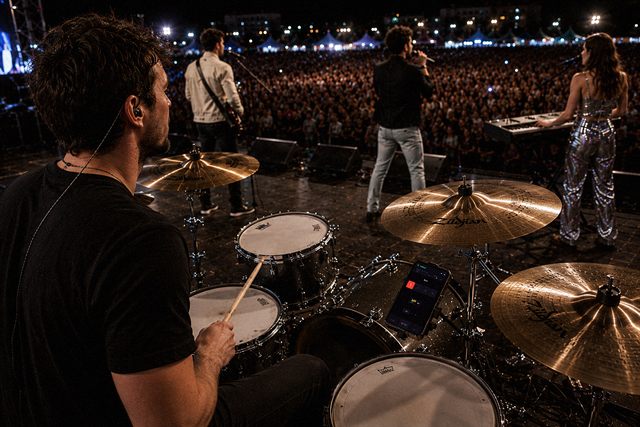
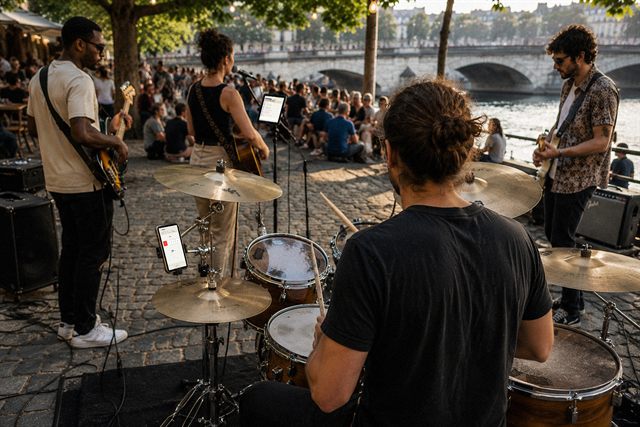
Visual beat & beep
The downbeat jumps out at you.
Strong and weak beats visually distinguished — red LED on the downbeat, amber on the following beats. An optional audio beep doubles the cue, at the user's choice. Subdivisions can be enabled, all 11 time signatures supported.
- Hardware-style LED: red on beat 1, amber on 2·3·4
- Optional audio beep — visual only or visual + sound
- Tap tempo to lock in by ear
- Master/Slave sync (beta) — your other devices follow the tempo live, on the same local Wi-Fi network
Import & export
Your data, always with you.
Back up, share with the band, or prepare on a big screen: InBeat speaks the same language as the whole Stagia ecosystem.
Export .inb
Export your library and setlists in .inb format. Back up, switch phones, or share with the rest of the band.
Import .inb
Receive an .inb file and import it: songs, tempos, time signatures, and durations arrive already set up.
Export PDF
Generate a PDF of your setlist — venue, date, order, BPM, and durations — to print or send before the show.
Compatible with GigFlow
Same format shared with GigFlow Live and Editor: prepare on PC, play on mobile, no retyping.
Android · available on Google Play
Ready to keep the tempo?
Free, unlimited, no subscription.